- Free preview
- Written rows included
- Photo never uploaded
Crochet Pattern Generator
Turn a photo into a crochet graph with row-by-row written instructions. C2C, single crochet (tapestry and graphgan) or knitting, sized to your gauge, with yarn amounts for every color.
A simple picture with a clear subject works best: a pet, a flower, a logo or a cartoon.
JPG, PNG or WebP. Your photo stays on this device.
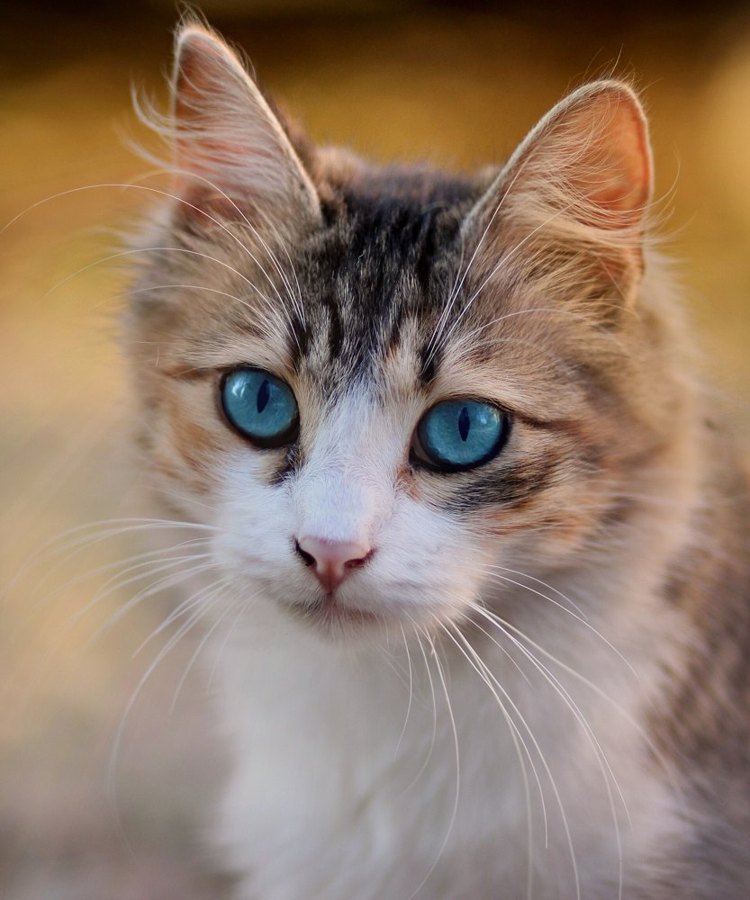
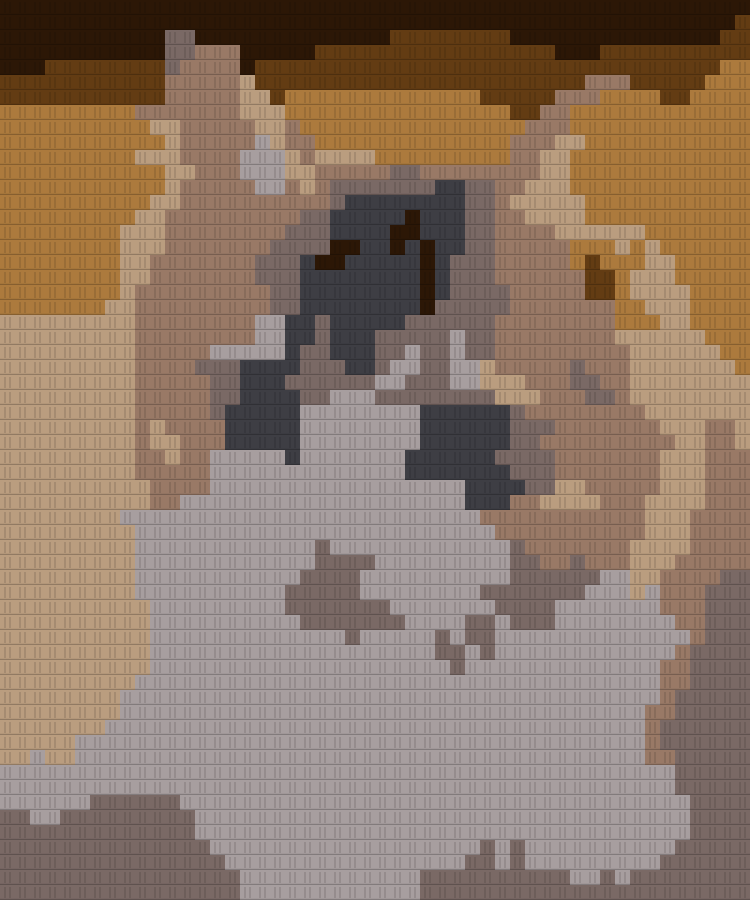
Photos turned into crochet and knitting patterns
The finished look and a piece of the graph, straight from the tool.
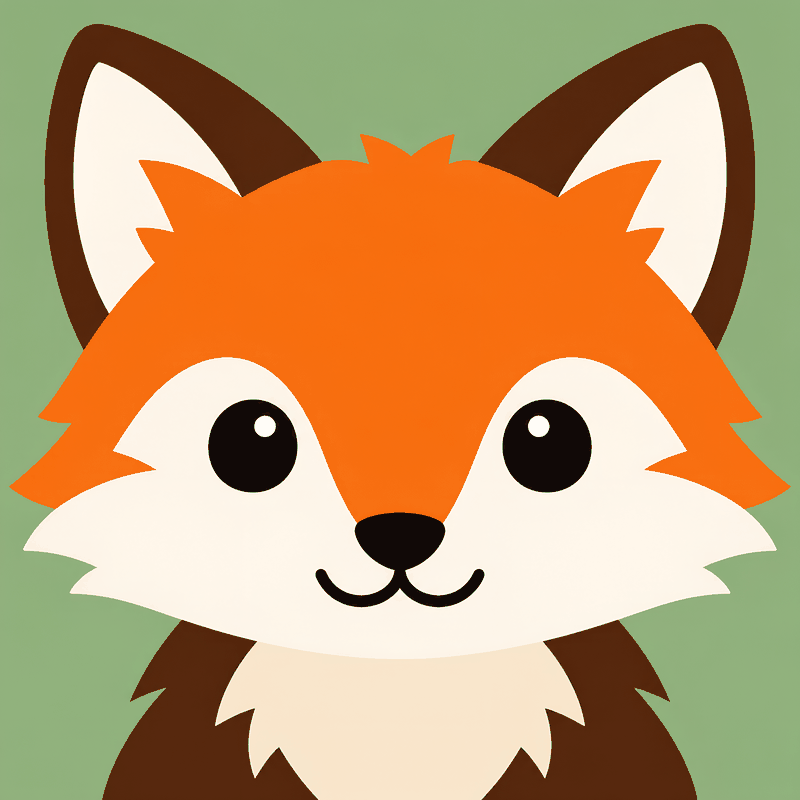
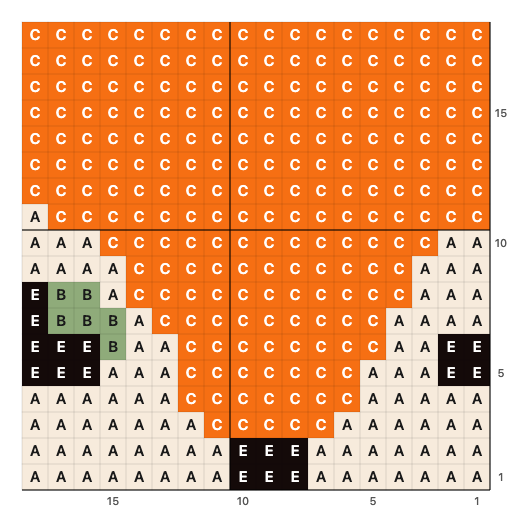
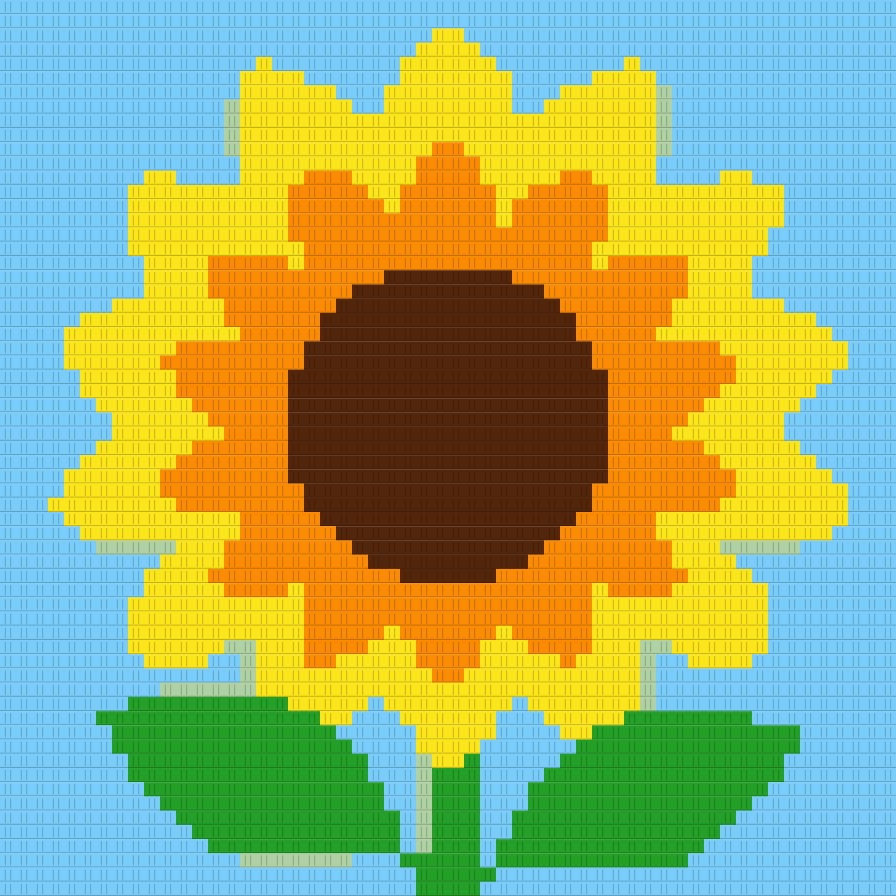
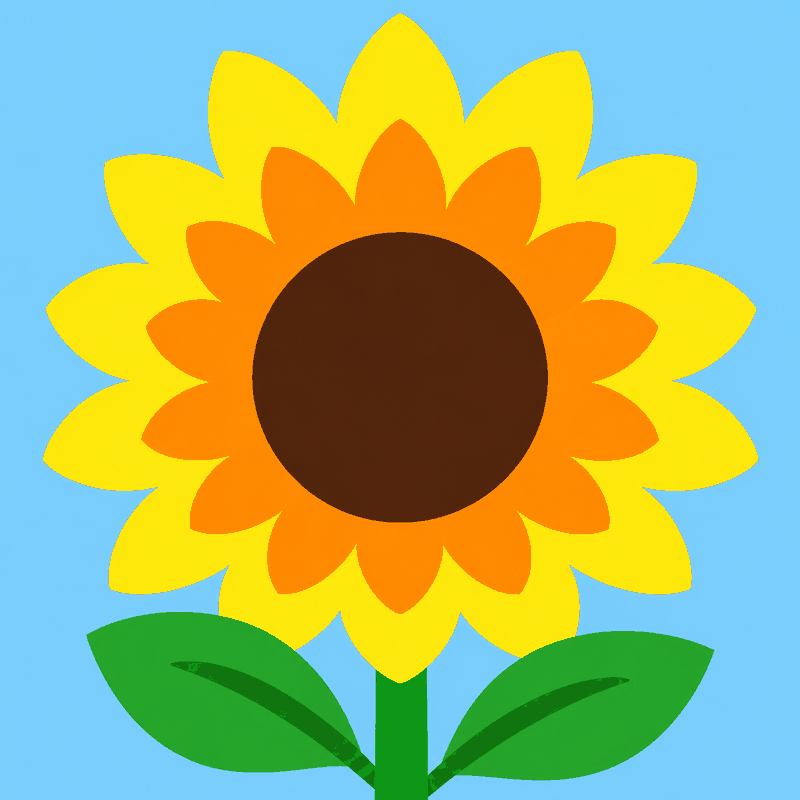
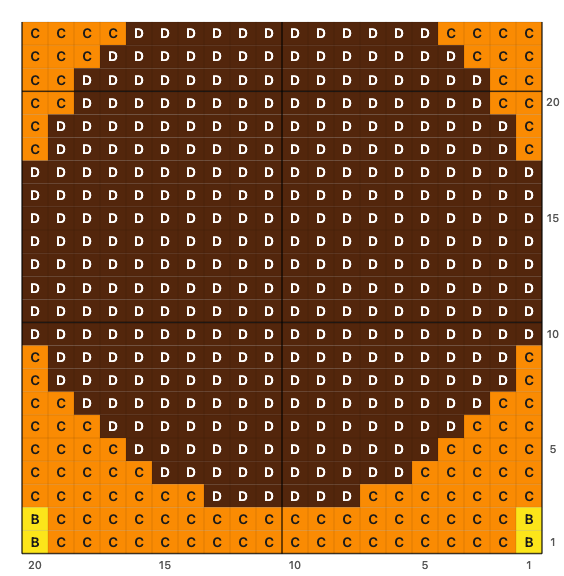
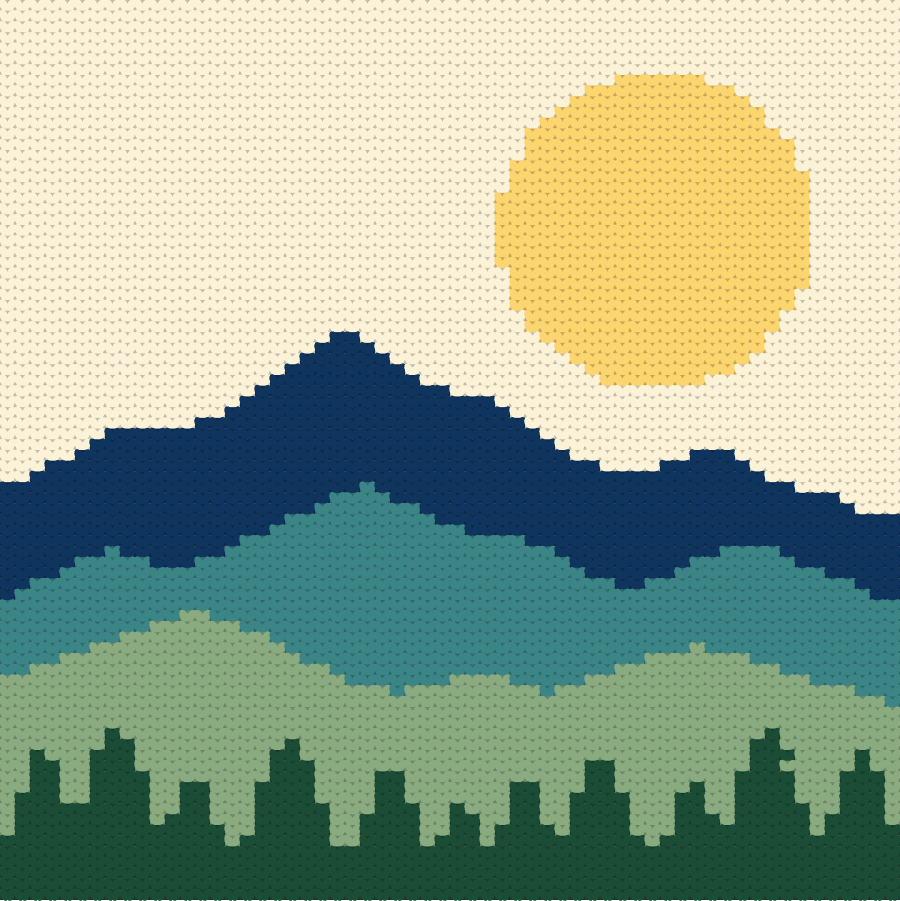
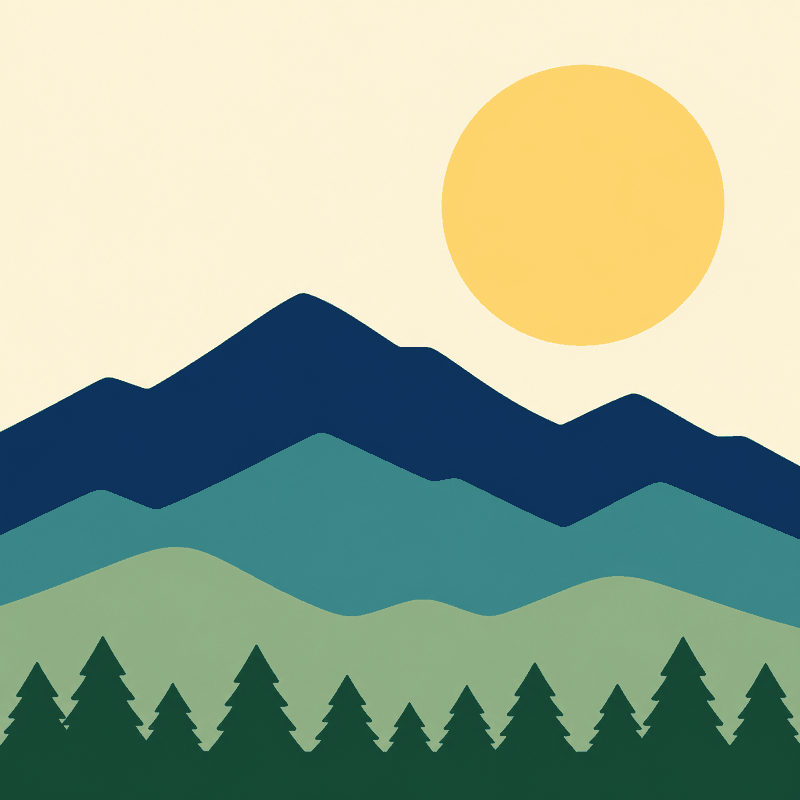
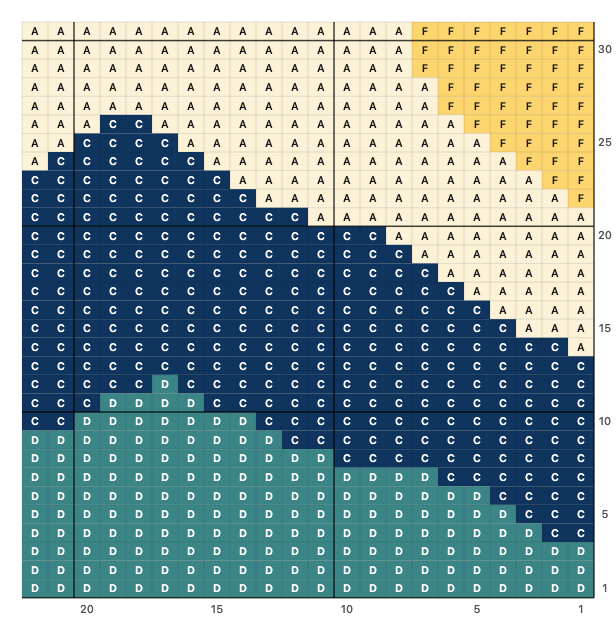
Free to design. Pay only for the files.
No account and no subscription. You see exactly what you're buying before you pay.
- Upload, crop and every setting
- C2C, single crochet and knitting
- Finished-look preview and graph sample
- The first rows written out, and a watermarked preview
- Printable PDF: graph, color key and yarn amounts
- Every row written out, in the PDF and as a text file
- Full graph as one PNG
- Adjust and download again for 7 days
- Unlimited patterns for 30 days
- PDF, graph PNG and written rows
- Crochet and knitting
- Doesn't renew. No subscription
From photo to crochet pattern in three steps
- 1
Upload a photo
A pet, a flower, a logo or a cartoon. Crop to the part you want in the blanket.
- 2
Pick the craft and size
C2C, single crochet or knitting. Set how many stitches across, your gauge and how many colors. The graph and the written rows update as you go.
- 3
Download and start
Get a printable PDF with the graph, the color key with yarn amounts, and every row written out, plus a text file you can follow on your phone.
How the crochet pattern is made
Your photo is divided into a grid, one square per stitch (or per tile in C2C). Each square takes the average color of that part of the photo, and then the colors are reduced to the number you choose by grouping similar shades together, so a 6-color pattern uses the 6 colors that describe the picture best.
Then the pattern is cleaned up: single stray stitches and tiny specks of color are merged into their neighbors. That matters more in crochet than anywhere else, because every color change means carrying or cutting yarn. Set Clean up to Strong for blankets and tapestry, Normal if you want more detail.
The grid follows your gauge. Knit stitches are wider than they are tall, so a knitting chart has more rows than stitches for the same picture, and the preview shows the real proportions. Single crochet is close to square, and C2C tiles are square.
C2C, single crochet or knitting?
| Craft | Best for | Each square is |
|---|---|---|
| C2C (corner to corner) | Blankets and big pictures, quick to work | One tile of double crochet |
| Single crochet | Tapestry, graphgans, pillows, bags; finer detail | One single crochet |
| Knitting | Intarsia and Fair Isle colorwork | One stockinette stitch |
C2C works up fastest and hides color changes well, so it's the usual choice for photo blankets. A 50 × 60 tile blanket is about 45 × 55 inches in worsted weight. Single crochet gives sharper detail for the same size, and knitting charts work for sweaters, hats and pillows.
Reading the written instructions
Every pattern comes with each row written out, so you don't have to count squares on the graph.
- C2C: Row 1 is the corner tile. Odd rows run from the bottom edge up toward the left edge, even rows back down, and every row lists its tiles in working order, for example Row 14: 3 A, 2 C, 9 A. It also tells you when to stop increasing and start decreasing along each edge.
- Single crochet and knitting: Row 1 is the bottom row of the graph. Right-side rows are read right to left and wrong-side rows left to right, the standard convention for work that's turned at the end of each row.
Colors are letters (A, B, C…) with a plain name like dark navy or cream, so you can match them to the yarn you have.
Size, gauge and yarn amounts
Set Stitches across for the width of the design, then enter your gauge (stitches and rows per 4 inches, or tiles per 4 inches for C2C). The finished size updates as you go. Crochet a small swatch first: gauge varies a lot with the hook, the yarn and your tension.
Yarn amounts are a rough estimate: the number of stitches in each color times the yarn one stitch uses, plus 15% for tails and tension. Yarn per stitch varies a lot with yarn weight, hook and tension, so the starting value is only a guess. For a real estimate, work 10 stitches in your yarn, measure the yarn you used, and enter that; the amounts update for every color.
Choosing a photo that works
- Simple and bold beats detailed. A pet face, a flower, a logo or a cartoon reads well at 50 to 100 stitches. Busy photos turn into noise.
- Crop tight around the subject and pick a plain background.
- Fewer colors are easier to crochet. Start with 6 to 8 and add more only if the picture needs it.
- More stitches show more detail but take longer. For a first project, 40 to 60 wide is a good size.
Frequently asked questions
Is the crochet pattern generator free?
You can upload a photo, try every setting and see the finished preview, a sample of the graph and the first rows for free. The full pattern (PDF with the graph, color key, yarn amounts and every row written out) costs $4.99 for one pattern, or $9.99 for unlimited patterns for 30 days. Both are one-time payments; there's no subscription.
What's in the PDF?
A cover page with the finished preview, size, gauge and the color key with stitch counts and yarn amounts; the graph split across pages with grid lines every 10 stitches and row numbers; and every row written out. You also get the graph as one PNG and the written rows as a text file.
Can it make C2C patterns?
Yes. Pick C2C crochet and every tile becomes one square on the graph. The written instructions give each diagonal row in working order and tell you where to increase and decrease.
Does it work for knitting charts?
Yes. Pick Knitting and enter your stitch and row gauge. Because knit stitches are wider than they are tall, the chart has more rows than stitches for the same picture, so the finished piece isn't squashed.
How do I choose yarn colors?
Each color has a letter, a swatch, a plain name and its hex code. Match them to yarn you have, or hold the screen next to the yarn in the shop. Exact matches don't matter much: what matters is that light colors stay light and dark ones dark.
I'm left-handed. Does the pattern still work?
Yes. Work the graph the same way but read right-side rows left to right instead of right to left. The picture comes out mirrored, so if your design has lettering, flip the photo before you upload it.
Is my photo uploaded?
No. The pattern is made in your browser, and your photo is saved only in this browser so your work is still there if you come back. Use New photo to remove it. The only things sent to our server are the checkout request and, after paying, a check that the payment went through.
Can I sell what I make, or the pattern?
You can sell finished pieces made from your own photos, and share or sell patterns made from photos you own. Don't make patterns from other people's photos, artwork or characters without permission.
Ready to turn a photo into a crochet pattern?
Free preview · Written rows included · Photo never uploaded